
This document is a product safety usage guide, which introduces product safety usage precautions.
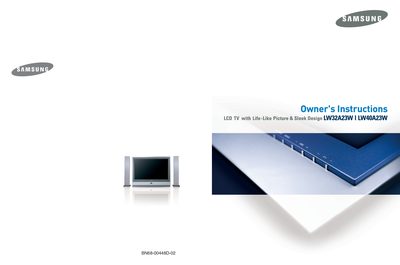
This manual provides safety warnings, installation steps, and operating instructions for Samsung LW32A23W and LW40A23W LCD televisions. It includes guidance on connecting antennas, set‑top boxes, computers, and external audio/video devices, as well as detailed menu navigation and remote‑control functions.
Additional sections cover picture and sound settings, channel management, teletext usage, and technical specifications such as video formats, connector pin‑outs, and UK mains‑plug wiring. The document also contains troubleshooting tips and recommendations for proper use and service.
| SCART 1 Connector | Video, Audio (L/R), S‑Video |
|---|---|
| SCART 2 Connector | TV/AV1/AV2/AV3/S‑VHS |
| Supported Video Formats – PAL | 15.625 kHz, 50 Hz, 575 lines |
| Supported Video Formats – NTSC 4.43 | 15.734 kHz, 60 Hz, 483 lines |
| Mains Plug Fuse Requirement (UK) | Use a BSI1362‑approved fuse of the same rating |
| Mains Lead Wire Colours (UK) | Blue – Neutral, Brown – Live |
Use a fuse with the same rating that is approved to BSI1362, keep the fuse cover in place, and follow the colour‑code (blue to neutral, brown to live).
Ensure that all elements of the TV and the external devices are switched off before making any connections.
Unplug the TV from the mains socket and aerial during storm conditions, especially when lightning is present.