
This document is an owner's manual for a CDMA portable cellular phone. It provides instructions on how to use the phone and important safety precautions. The document mentions that using the phone in an aircraft is dangerous and illegal, and may disrupt the cellular network. It also advises against using the phone while driving and at gas stations. Additionally, the document describes various useful features of the phone, such as selecting analog or digital mode, setting alarms, and sending one's own phone number.
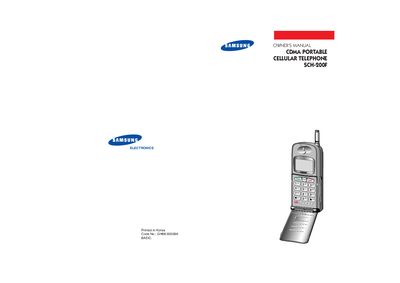
This manual provides safety precautions, hardware overview, and step‑by‑step instructions for using the Samsung SCH-200F CDMA portable phone. It covers battery installation, charging procedures, basic operation, and advanced features such as memory dialing and lock code management.
The guide also includes troubleshooting tips, battery safety information, and details on how to adjust settings like volume, ringer type, and alarm. All instructions are illustrated with diagrams of the front and rear views of the device.
Press and hold the PWR button until you hear a beep; the phone will display the greeting message and become ready for calls.
The battery charge level is shown as a series of blocks at the left corner of the LCD display.
Grasp the knob on the antenna end and pull it out fully; push it back in when the call is finished.