
This document is the owner's manual for GSM telephone SGH-800, providing information on safety precautions, phone layout, display, and general functions.
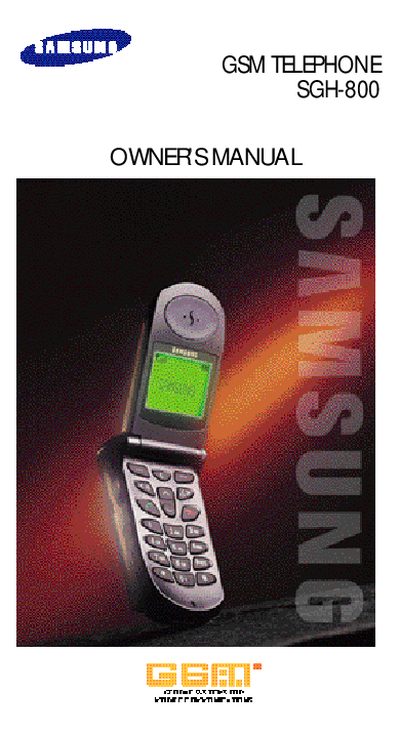
This manual covers essential safety precautions, SIM card installation, battery charging, and basic phone functions such as making calls and sending SMS messages. It also details voice features, network services, and customizable settings like language and backlight.
All instructions assume the use of Samsung‑approved accessories and are intended for qualified service personnel when repairs are needed. The document includes menu navigation tips and troubleshooting advice to help users get the most out of their SGH‑800 phone.
Insert the SIM card as described in the "Installing the SIM Card" section of the manual.
Charge the battery using a Samsung‑approved charger as shown in the "Charging a Battery" instructions.
Select the call option from the main menu and follow the steps in the "Making a Call" section.
Open the Settings menu and select "Auto Redial" (Menu 6‑7) to turn the feature on.