
This document is a user manual for a certain model of mobile phone, which contains instructions on the phone's function keys, dialing keys, contacts, text messages, calls, etc.
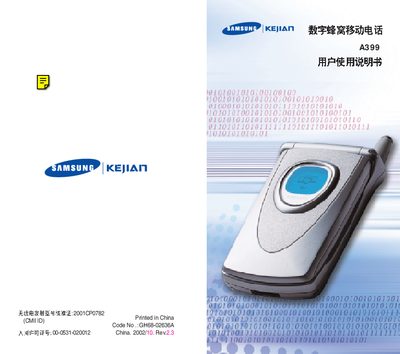
This manual covers everything you need to know about the Samsung A399 mobile phone, including safety guidelines, unpacking, and an overview of the phone's parts and display. It explains how to install the UIM card, charge the battery, power the device on and off, and use the various phone modes and calling functions.
Additional sections detail text input methods, menu navigation, health and safety information, battery handling, and accessory usage. The guide also includes troubleshooting tips, service indicator meanings, and instructions for adjusting settings such as backlight duration and volume levels. This manual is written in Chinese.
| Radio Emission Approval Number | 2001CPO782 |
|---|---|
| COMID Code | GH68-02636A |
| Network License Number | 00-0531-020012 |
The manual advises not to use the phone while driving; you should stop the vehicle before using it.
Press any key to activate the backlight; it will turn off automatically after a period of inactivity, which can be adjusted in the display menu.
Follow the instructions in the "安装 UIM 卡" section of the manual.