
This document is a quick guide about using a mobile phone, which introduces the status icons, menu functions, and key functions on the phone screen.
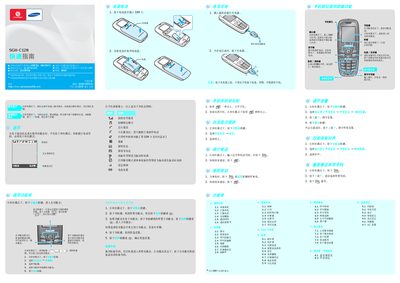
This guide introduces the essential functions of the Samsung SGH‑C128 mobile phone. It explains how to turn the device on and off, use the soft keys and navigation keys, and access the main menu and sub‑menus.
The manual also covers language selection, making and receiving calls, sending messages, adjusting display and sound settings, managing contacts, battery information, and important safety precautions for proper use. This manual is written in Chinese.
| Battery capacity | 800 mAh |
|---|---|
| Talk time (maximum) | 3.3 hours |
| Standby time (maximum) | 250 hours |
Press and hold the power key for more than one second while the phone is in standby mode.