
This document is a manual for the Samsung SCH-X809 mobile phone, which describes the features and functions of the phone.
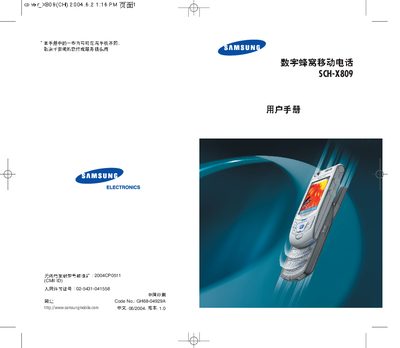
This manual covers all basic operations of the Samsung SCH‑X809 mobile phone, including how to insert the UIM card, charge the battery, power the device on and off, navigate menus, make and receive calls, send messages, use the camera, and manage personal data such as contacts and calendar entries. It also explains the phone’s hardware layout, display zones, and indicator icons.
Safety guidelines are emphasized, advising users not to operate the phone while driving, refueling, or in hospitals, and noting that the device is not waterproof. The appendix lists the contents of the retail package and stresses the use of Samsung‑approved accessories and batteries for optimal performance and safety. This manual is written in Chinese.
| Water Resistance | Not waterproof |
|---|---|
| Display | Three zones: icon area, text/graphics area, soft‑key indicator area |
| Battery | Use Samsung proprietary battery only |
No, you must stop the vehicle before using the phone.
No, the phone is not waterproof and should be kept dry.
The box contains the phone, travel charger, battery, desktop charging dock, earphones, phone lanyard, and the user manual.