
This manual is a user guide for the FUJIFILM FinePix J20 or J25 digital camera and the supplied software. It provides instructions on basic camera operation, photography and playback functions, movie shooting, connections, menu settings, troubleshooting, and more.
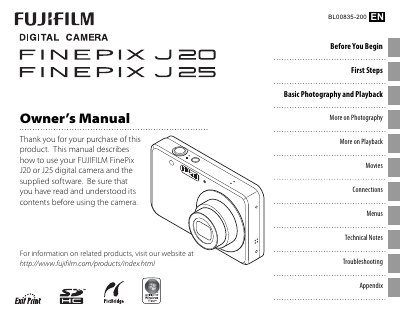
This manual provides instructions for using the Fujifilm FinePix J20 and J25 digital cameras. It includes sections on camera setup, taking pictures, viewing and sharing images, and detailed explanations of menus and functions.
The guide also contains troubleshooting tips, specifications, and care instructions to help users maintain the cameras and avoid common problems.
| Monitor size | 2.7‑inch (J20) / 3.0‑inch (J25) |
|---|---|
| Battery | NP‑45 rechargeable battery (BC45A charger) |
| Memory cards | Supports SD and SDHC memory cards |
Use the date and time settings in the Setup menu to adjust the camera clock.
Adjust the Auto Power Off setting in the Setup menu to keep the monitor on.
Connect the camera to a TV using the appropriate video output as described in the Connections section.