
AMD RAID Installation Guide introduces how to configure RAID functions on AMD motherboards, including BIOS RAID and Windows RAID configuration.
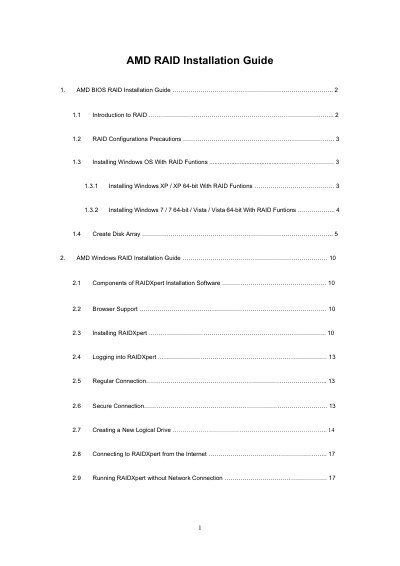
This guide explains how to configure RAID using the onboard FastBuild BIOS utility or Windows RAIDXpert software. It covers setting up RAID modes like RAID 0, RAID 1, RAID 10, JBOD, and RAID Ready, as well as installing Windows OS with RAID support. Instructions are provided for Windows XP, Vista, and Windows 7, including BIOS setup, driver disk creation, and RAID array creation steps.
The guide also includes precautions for RAID setup, such as using identical drives for optimal performance and backing up data before creating RAID arrays. It details how to install RAID drivers during OS installation and manage RAID arrays through the RAIDXpert utility.
| Maximum Drives | Up to four physical drives |
|---|
Yes, it is recommended to backup data before creating RAID functions, as the process may clear disk data.
Redundant Array of Independent Disks.
Data striping.
Use two new SATA drives of the same size.