
This document is a user manual for a digital camera, providing instructions on how to use the camera and the features and functions of the camera.
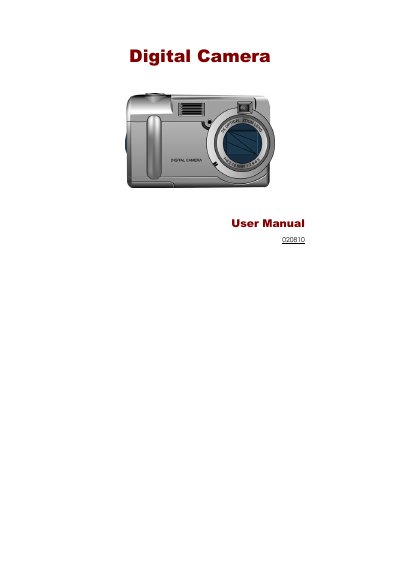
This manual guides users through getting started with the Canon 020810 digital camera, including installing the memory card and batteries, selecting language, and setting the date and time. It also explains the camera's basic functions such as taking pictures, reviewing images, and using various shooting modes.
Additional sections cover connecting the camera to a computer via USB, using the LCD display, detailed button functions, and troubleshooting common issues. Safety information and a list of included components are also provided.
| Optical Zoom | 3x |
|---|---|
| Digital Zoom | 3x |
| Maximum Resolution | 2048 x 1536 |
| Display | Color LCD viewfinder screen |
| Interface | USB 1.1 |
| Battery Type | AA alkaline |
| Flash Modes | Auto / Always On / Red‑Eye Reduction / OFF |
| White Balance Modes | Auto / Daylight / Shade / Tungsten / Fluorescent |
It uses size AA alkaline batteries.
Select the White Balance menu and choose Auto, Daylight, Shade, Tungsten, or Fluorescent.