
This manual introduces how to use the digital camera, including installing batteries, memory cards, selecting languages, setting time and date, taking pictures, viewing photos, etc.
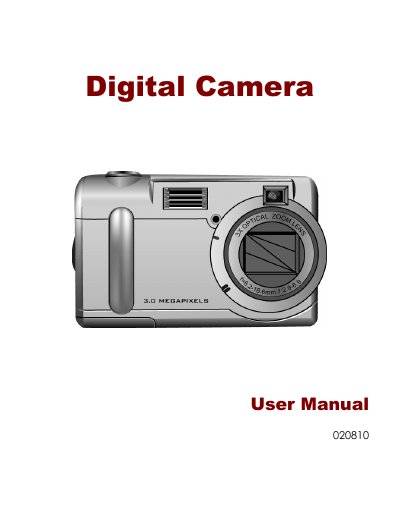
This manual covers everything you need to start using the Canon 020810 digital camera, from safety information and included components to detailed descriptions of the camera’s controls, modes, and functions. It includes step‑by‑step guidance for taking pictures, reviewing images, and connecting the camera to a computer.
Additional sections explain how to use the LCD display, adjust zoom and white‑balance settings, and troubleshoot common issues such as battery problems or USB connection errors. The appendix provides a button‑function guide and a troubleshooting guide for quick reference.
| Optical Zoom | 3x |
|---|---|
| Digital Zoom | 4x |
| Maximum Resolution | 2496 x 2016 |
| Interface | USB 1.1 |
| Flash Modes | Auto, Always On, Red‑Eye Reduction, Off |
| White Balance Modes | Auto, Daylight, Shade, Tungsten, Fluorescent |
| Battery Type | AA alkaline |
The camera uses only size AA alkaline batteries.
Follow the Safe Removal of USB Device procedure: right‑click the Unplug or Eject icon, select the camera, and click Stop before disconnecting.