
ASRock G41C-VS Motherboard
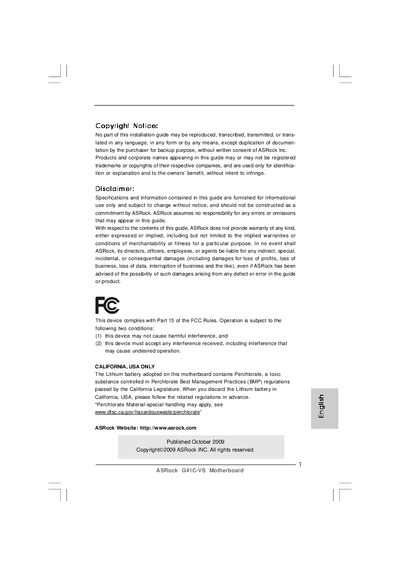
The guide introduces the ASRock G41C-VS Micro‑ATX motherboard, lists the package contents and provides a step‑by‑step installation procedure. It also points users to the full user manual on the support CD for detailed information.
Key sections cover the motherboard layout, CPU socket type, memory slots, expansion slots, integrated graphics, audio, LAN, rear I/O connectors, BIOS features and safety warnings. The document includes specifications, cautions for over‑clocking, and references to ASRock utilities such as OC Tuner and Instant Flash.
| Form Factor | Micro ATX (8.8 in x 7.8 in) |
|---|---|
| CPU Socket | LGA 775 |
| Chipset | Northbridge Intel G41, Southbridge Intel ICH7 |
| Expansion Slots | 1× PCI Express x16, 1× PCI |
| Integrated Graphics | Intel® Graphics Media Accelerator X4500 |
| Audio Codec | Realtek ALC662 5.1‑channel HD Audio |
| LAN Controller | Atheros AR8132L 10/100 Ethernet |
It uses an LGA 775 socket for Intel Core 2, Pentium Dual‑Core, Celeron Dual‑Core and compatible processors.
It includes an Atheros AR8132L controller providing 10/100 Ethernet connectivity.
It has one PCI Express x16 slot and one standard PCI slot.