
This manual describes how to install the HP projector
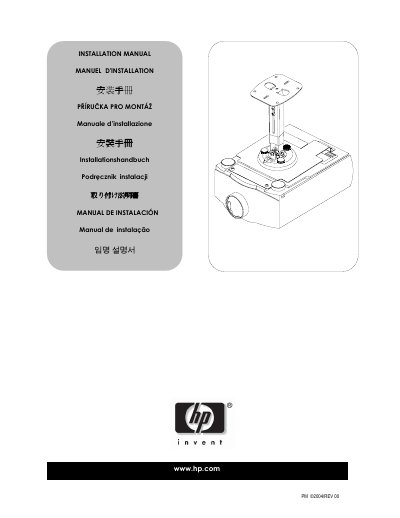
This manual provides safety and precaution guidelines for installing HP projectors, emphasizing that installation must be performed by qualified personnel and avoiding locations with vibration, movement, or impact. It also details the required mounting hardware and structural support needed to securely mount the projector.
The guide walks the installer through preparing the projector, securing the upper assembly and ceiling plate, attaching the projector to the assembly, and performing final height, tilt, roll, and yaw adjustments to achieve optimal image quality. This manual is written in Chinese.
| Mounting hole Ø0.281" (7.1 mm) | Ø0.281" (7.1 mm) |
|---|---|
| Mounting hole Ø0.375" (9.5 mm) | Ø0.375" (9.5 mm) |
| Mounting hole Ø1.400" (35.5 mm) (x2) | Ø1.400" (35.5 mm) (x2) |
| Required wall/ceiling strength | At least 5 × projector weight |
The structure must be able to support at least five times the weight of the projector; otherwise it must be reinforced.
Final height, tilt, roll, and yaw adjustments are performed to optimize the projected image.