
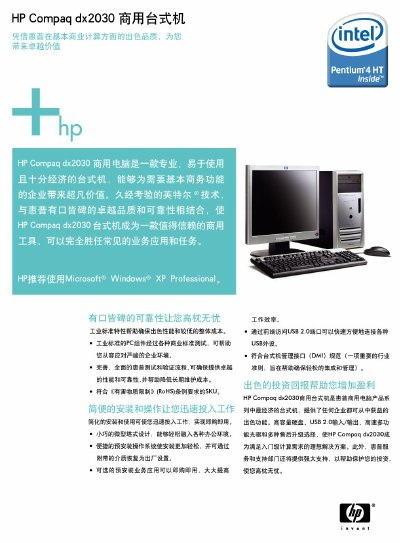
The HP dx2030 is a compact micro‑tower desktop designed for commercial environments, offering a range of Intel Celeron D processors, up to 2 GB of memory, and various storage options. It includes built‑in USB 2.0 ports, Ethernet, and optional pre‑installed business applications for quick deployment.
This manual lists the supported processors, memory configurations, storage devices, expansion slots, I/O ports, dimensions, power supply, warranty details, and recommended operating systems, along with contact information for HP support. This manual is written in Chinese.
| Processor options | 2.53 GHz – 3.33 GHz Intel Celeron D |
|---|---|
| Memory type | 256 MB PC‑3200 DDR400 SDRAM (non‑ECC) |
| Hard drive | 40 GB 7200 rpm ATA |
| Dimensions (H × W × D) | 368 mm × 175 mm × 400 mm |
| Power supply | 230 W ATX |
| USB ports | 6 USB 2.0 ports |
HP recommends Microsoft Windows XP Professional.
The desktop provides six USB 2.0 ports.
It comes with a 1‑year limited warranty.
The chassis measures 368 mm × 175 mm × 400 mm (H × W × D).