
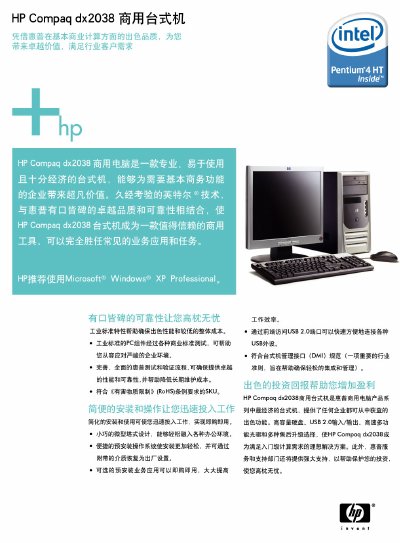
This manual describes the HP Compaq dx2038 commercial desktop, highlighting its industrial‑grade components, compact tower design, and pre‑installed operating system options. It outlines the supported processors, memory configurations, storage options, and connectivity features.
Additional sections cover dimensions, power supply, warranty details, and contact information for HP support in China. The document also lists available expansion slots, ports, and optional pre‑installed business applications. This manual is written in Chinese.
| Processor options | Intel Pentium 4 HT and Intel Celeron D (2.53 GHz – 3.33 GHz) |
|---|---|
| Memory | 256 MB – 512 MB PC‑3200 DDR400 SDRAM (non‑ECC) |
| Power supply | 230 W ATX |
| Dimensions (H × W × D) | 368 mm × 175 mm × 400 mm |
| USB ports | 6 × USB 2.0 |
HP recommends Microsoft Windows XP Professional for the dx2038.
The desktop provides six USB 2.0 ports.
The system comes with a limited warranty (as indicated in the manual).