
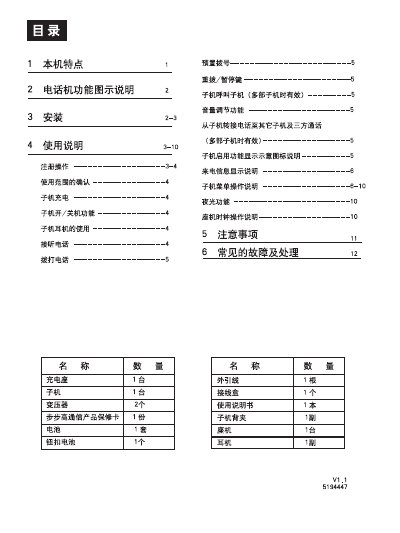
The guide describes the BBK telephone’s advanced 2.4 GHz digital communication technology, its anti‑interference capabilities, and the functions of the base unit and up to four sub‑phones, including call handling, address book, and ringtone selection. Detailed instructions cover installation of the base unit, charging dock, and sub‑phone mounting, as well as registration procedures and menu navigation.
Additional sections provide troubleshooting tips for common issues such as registration failures, no ring, and poor audio, along with technical specifications and safety information for proper use in various environments. This manual is written in Chinese.
| Transmit power (base unit) | 25 mW |
|---|---|
| Transmit power (sub unit) | 25 mW |
| Frequency | 2.4 GHz |
| Modulation | GFSK |
If the base unit already has four sub‑phones registered, deregister one or more sub‑phones first, then repeat the registration steps.
Check that the telephone line is properly connected, the base unit is not in Do‑Not‑Disturb mode, and the volume is not set to mute.
Press the Volume Up or Volume Down keys repeatedly, then confirm the setting with the Menu/Confirm key.