
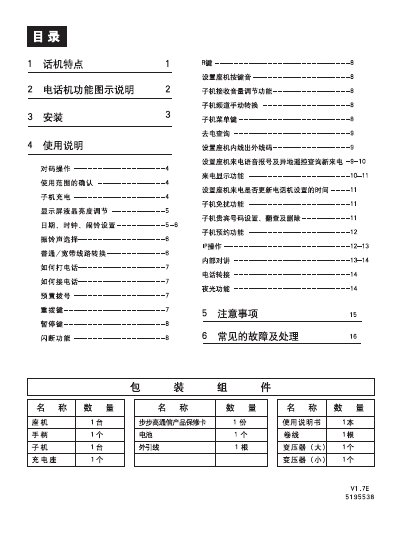
This document is the user guide for a BBK cordless telephone system consisting of a base station and one or two handsets. It describes product features, installation steps, and operating instructions for functions such as caller ID, internal calls, call transfer, IP operation, alarms, and night-light mode.
The guide also includes precautions, common fault troubleshooting, handset registration (pairing) procedures, battery charging instructions, and display brightness or date/time settings for both base station and handset. This manual is written in Chinese.
| Handset incoming call storage | 50 groups |
|---|---|
| Handset outgoing call storage | 10 groups |
| Base ringtones | 6 chord music ringtones and 5 soft tones |
| LCD brightness levels | 8 levels base, 5 levels handset |
Press and hold the handset key on the base until it beeps, then press and hold the pairing key on the handset for about 5 seconds until both beep clearly.
The display shows a low-battery reminder and the handset cannot work except for charging.
In standby mode, press the settings key to enter date and time setting, then adjust year, month, day, hour, and minute and confirm.