
ASUS Motherboard UEFI Setup Utility Guide

This document explains how to configure the system using UEFI SETUP UTILITY, including menu options, navigation key functions, and main screen display. It also introduces features such as overclocking and CPU control.
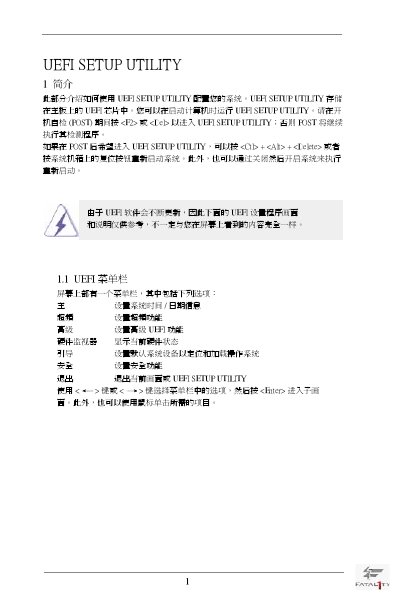

ASUS Motherboard UEFI Setup Utility Guide - cover page
Brand
ASRock
Category
Upgrade guide
Document type
User Manual
Language
Chinese
Pages
23
File format
PDF
File size
346 KB
Published
14 March, 2012
Updated
29 September, 2023
MD5 checksum
11FD12D3B9863AF1824EB70142F54AF8

About this manual

The UEFI Setup Utility is stored in the motherboard's UEFI chip and can be launched during POST by pressing or , or later with ++. The utility provides a menu bar with sections such as Main Settings, System Time/Date, Overclock, Advanced, Hardware Monitor, Boot, Security, and Exit, all navigable via keyboard or mouse.

The document details each configuration screen, including CPU overclock options, memory timing controls, voltage settings, hardware health monitoring, boot device order, security password management, and the Instant Flash tool for updating the UEFI firmware. It also explains how to load default values, save changes, or discard them before exiting. This manual is written in Chinese.

What's inside

  • UEFI SETUP UTILITY 简介
  • UEFI 菜单栏
  • 导航键
  • 主画面
  • 超頻画面
  • 高级画面
  • Instant Flash
  • CPU 配置
  • 硬件健康事件监控画面
  • 引导画面

Frequently asked questions

How do I enter the UEFI Setup Utility?

Press or during the POST process, or use ++ after POST.

How can I load the default UEFI settings?

Press the F9 key to load all default settings.

Where do I adjust the Turbo Boost power limit?

Use the "Turbo Boost power limit" option, which offers [Auto] and [Manual] settings.

Download PDF (346 KB)

More ASRock Manuals


View all ASRock manuals →