
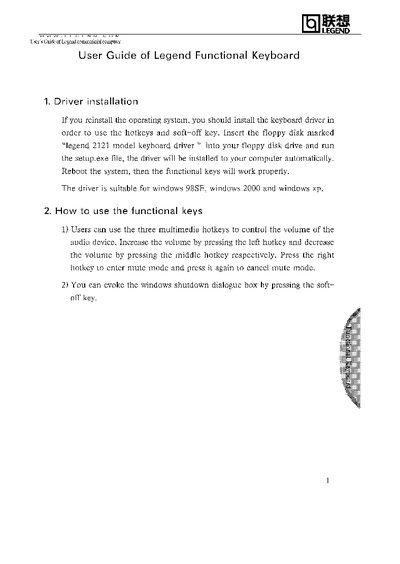
This guide explains how to install the keyboard driver and configure the functional keys for the Lenovo Legend Functional Keyboard. It includes step‑by‑step instructions for driver installation from the supplied floppy disk and reboot procedures.
The manual also describes the three multimedia hotkeys for volume control, the mute function, and the soft‑off key that triggers the Windows shutdown dialog. Compatibility with Windows 98SE, Windows 2000, and Windows XP is noted.
| Supported operating systems | Windows 98SE, Windows 2000, Windows XP |
|---|
Insert the floppy disk marked "legend 2121 model keyboard driver" and run setup.exe, then reboot the system.
Press the left hotkey to increase volume, the middle hotkey to decrease volume, and the right hotkey to mute or unmute.
Pressing the soft‑off key opens the Windows shutdown dialog box.