
This document is the user manual of 55cm LCD monitor, which introduces the features and characteristics of the product, including high brightness, light weight, fast response, stereo speakers, power saving function, low electromagnetic radiation, Kensington security card lock, safety certification, etc.
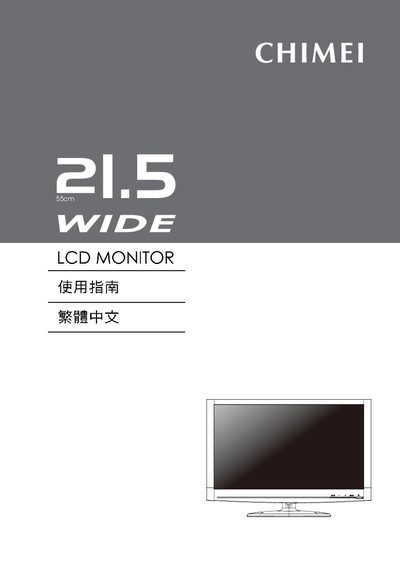
This manual explains how to safely set up the Chimei 21.5WIDE LCD monitor, including power‑saving mode activation, VESA Plug‑and‑Play installation, and proper grounding. It also covers recommended placement, cleaning, and storage to maintain image quality and longevity.
The guide details the on‑screen display (OSD) functions, auto‑adjustment, input source selection, and troubleshooting procedures. Users can adjust brightness, contrast, and color settings via the MENU, +, and – keys, and learn how to reset the monitor or diagnose common issues such as no signal or abnormal LED indicators. This manual is written in Chinese.
| Maximum supported resolution | 1920 × 1080 |
|---|---|
| LED indicator colors | Blue = normal, Orange = power‑saving, Off = power off |
| VESA Plug‑and‑Play compatibility | Supported |
| DDC/EDID support | Display Data Channel (DDC) and Extended Display Identification Data (EDID) |
| Power‑saving automatic switch | Switches to low‑power mode after inactivity |
After a period of inactivity the monitor automatically switches to a low‑power mode to save energy.
Press the MENU button to open the OSD, then use the + and – keys to change settings; hold MENU while powering on to lock or unlock the OSD.