
This document introduces the features and characteristics of LCD monitors, including high brightness, light weight, fast response, stereo speakers, power saving function, low electromagnetic radiation, Kensington security card lock, safety certification, etc.
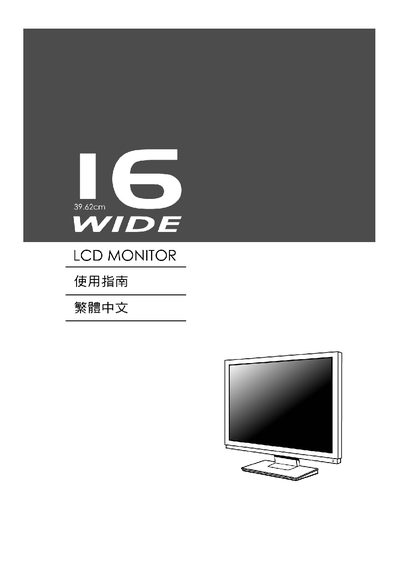
This manual covers the setup, operation, and basic adjustments for the Chimei 16‑Wide LCD Monitor. It includes information on power connections, OSD controls, and compliance details.
The document also lists technical specifications such as native resolution, Energy Star rating, and supported mounting standards.
| Native Resolution | 1280 x 1824 @ 68 Hz |
|---|---|
| VESA Compatibility | Plug and Play supported |
| DDC Support | Display Data Channel (DDC) available |
| EDID Support | Extended Display Identification Data (EDID) available |
Use the OSD menu to change the Brightness setting.
The native resolution is 1280 × 1824 at 68 Hz.
Yes, it is VESA Plug and Play compatible.