
LCD display user manual, introduces the characteristics of the display, including installation, power connection, maintenance, moving the display, etc.
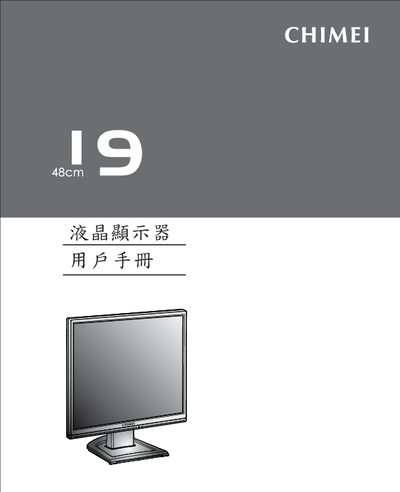
This manual covers safety precautions, unpacking, and step‑by‑step installation of the CMV 947A LCD monitor, including power connection, signal cabling, and mounting. It also explains the on‑screen display (OSD) functions, hotkey operations, and how to customize picture modes.
Additional sections describe routine maintenance, moving the unit safely, detailed technical specifications, interface frequencies, and FCC compliance information, plus a troubleshooting guide for common issues such as no signal or incorrect settings. This manual is written in Chinese.
| Interface frequency (horizontal) | 31.5 ~ 83 kHz |
|---|---|
| Power input | 100~240 V, 50/60 Hz, 1.2 A |
| Power consumption (on) | < 42 W |
Open the OSD menu, navigate to the System menu, and select the Reset option to restore factory settings.
The monitor supports up to 1280 × 1024 resolution at 75 Hz; exceeding this may cause an ‘Input Signal Out Of Range’ message.
Press the circular button on the back of the stand, remove the base, release the bracket from the slot, and pack the monitor with its original box and cushioning material.