
This document is the user manual for 227D LCD monitor
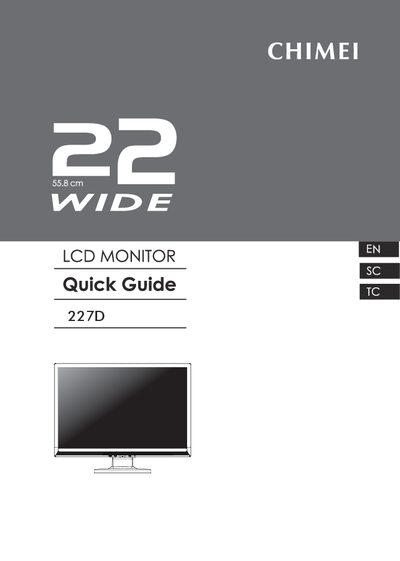
The manual lists the package contents, including the LCD monitor, stand, power cord, signal cables, audio cable, DVI cable, user manual CD and quick guide. It walks the user through a quick setup: power off the computer, attach the monitor to the stand, connect the D‑Sub or DVI‑D and audio cables, plug in the power cord, and secure the cables with ties. Safety precautions stress using only original accessories and proper power supply, and warn against unsupervised child use.
Technical specifications cover a 22‑inch TFT color display with a native resolution of 1680 × 1050, 330 cd/m² brightness, 10 000:1 dynamic contrast, and 16.7 M colors. The monitor accepts analog RGB (0.7 V p‑p) and digital DVI‑1.0 inputs, consumes less than 49 W (standby < 2 W), and operates from AC 100‑240 V. Recycling instructions and regional service contacts are also provided. This manual is written in Chinese.
| Screen Size | 22 inch (Diagonal 55.8 cm) |
|---|---|
| Resolution | 1680 × 1050 |
| Brightness | 330 cd/m² |
| Dynamic Contrast Ratio | 10000 : 1 |
| Viewing Angle | Horizontal 170°, Vertical 160° |
| Color Support | 16.7 M colors |
| Input Connectors | D‑Sub / DVI |
| Audio Jack | 3.5 mm |
| Power Input | AC 100‑240 V, 50‑60 Hz |
Use only original accessories, ensure the monitor is powered with the correct supply, and do not let children operate the monitor alone.