
This document introduces the quick setup guide for V series LCD monitor
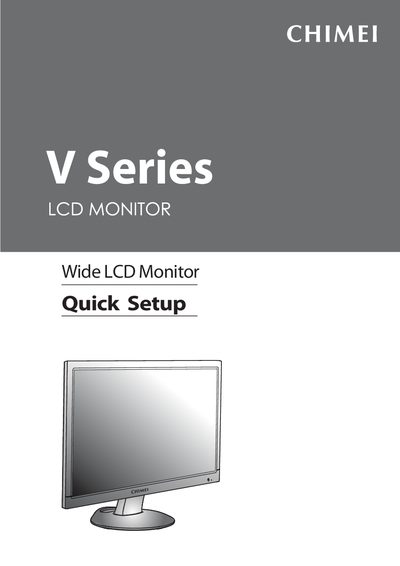
This guide provides step-by-step instructions for installing the Chimei V Series LCD monitor, including connecting cables and powering on. It also lists included accessories and technical specifications for different screen sizes. Safety precautions and service contacts are provided for regional support.
| Optimum Resolution | 18.5" 1366X768@60Hz, 20" 1600X900@60Hz, 21.5" 1920X1080@60Hz, 23.6" 1920X1080@60Hz |
|---|---|
| Contrast Ratio | 1000:1 (Typ) |
| Panel Type | W GA |
| Operating Temperature | 0°C to 40°C |
| Operating Humidity | 10% to 80% |
The package includes a power cord, 15-pin D-Sub signal cable, audio cable, and optional DVI-D cable.
The V Series supports 1366x768@60Hz for 18.5" screens, 1600x900@60Hz for 20" screens, and 1920x1080@60Hz for 21.5" and 23.6" screens.