
User manual for the Lenovo LN2800 electronic dictionary covering safety, operation, features, and specifications.
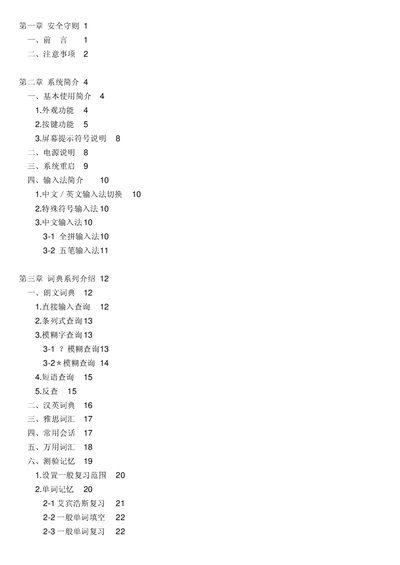
This manual provides safety guidelines, system overview, and detailed instructions for using the Lenovo LN2800 electronic dictionary. It describes the device’s hardware layout, key functions, input methods, and the various content series such as dictionary, note, calculator, and tools.
The document also includes product specifications, battery replacement procedures, and troubleshooting tips, helping users operate the device safely and efficiently. This manual is written in Chinese.
| Model | LN2800 |
|---|---|
| LCD matrix | 96 x 52 |
| Display area | 4 rows x 8 columns (Chinese characters) |
| Keyboard keys | 57 keys (including power switch and Reset key) |
| Power source | One CR2025 button cell battery |
| Operating temperature | 0 °C – 40 °C |
| Weight (without battery) | 60 g |
| Dimensions | 101.5 mm × 63 mm × 13.5 mm |
| Internal memory | 2 MB Mask ROM |
| Character set | GB2312 national standard |
The device uses a CR2025 button cell battery as its main power source.
The keyboard has 57 keys, including the power switch and Reset key.
The device measures 101.5 mm × 63 mm × 13.5 mm.
Press the Reset hole with a pen tip; the system will automatically restart.