
The document is an instruction manual for a DVD player, describing its features, characteristics, and how to use it.
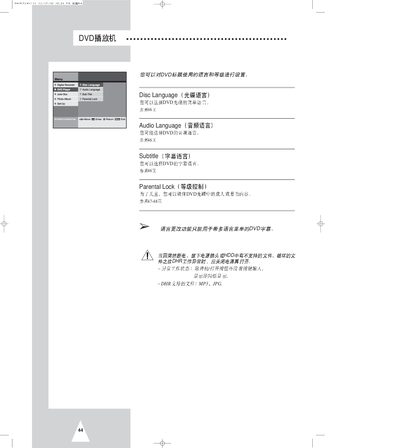
This manual explains how to set up and operate the DVD player, including selecting audio, subtitle and disc languages, using the parental lock feature, and copying protected discs. It also describes how to navigate DVD menus, adjust display options, and manage JPEG files on the internal HDD.
Additional sections cover 3D audio activation, password management for parental lock, and using the photo album and slideshow functions for JPEG files stored on CD or HDD. This manual is written in Chinese.
| Password length for parental lock | 4 digits |
|---|
Insert the DVD, press the COPY key on the remote or front panel, then press STOP when copying is finished.
Press the SUBTITLE key, use the navigation keys to choose the desired language, and press ENTER to confirm.
Press MENU, select Photo Album, then choose HDD Playlist and navigate with the arrow keys to view thumbnails or start a slideshow.