
Key facts
- Manuals
- 5
- Categories
- 1
- Languages
- ZH
- Last added
- 2012-03-26
Featured DVD播放机 manuals
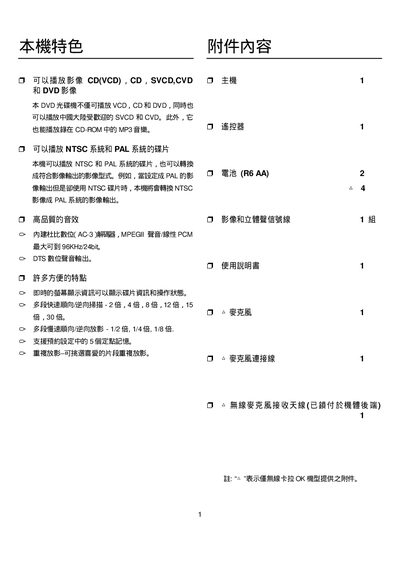
Philips DVP3258 DVD Player User Manual
This user manual explains how to operate the Philips DVP3258 DVD player, including power‑on standby, remote‑control functions such as PLAY/PAUSE, STOP, and disc‑tray handling. It also describes the on‑screen display panel, IR sensor operation, and how to navigate menus.
Connection options are covered, with details on the DVD/VCD/SVCD disc tray, USB audio playback, composite (CVBS) and component (YPbPr) video outputs, and audio output configurations. Technical specifications such as supported video formats, audio codecs, and power requirements are listed in the specification section. This manual is written in Chinese.
Covers: Safety Information · Remote Control Functions · Power and Standby · Disc Tray Operation · Display Panel and OSD · Audio/Video Output Connections
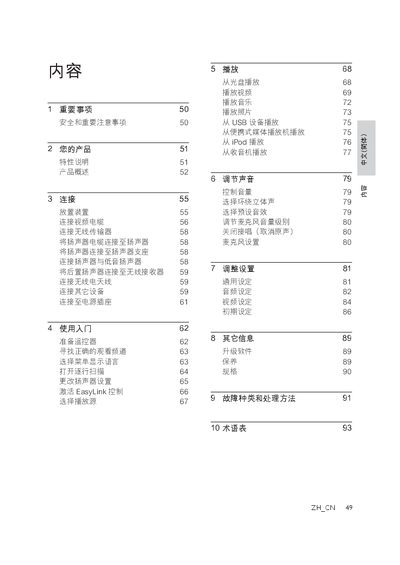
Philips DVD Home Theater System User Manual
This manual provides safety guidelines, product overview, and step‑by‑step instructions for setting up and using the Philips DVD home theater system. It explains how to place the unit, connect video, audio and wireless components, and register the product online.
Detailed sections cover playback of discs, USB, iPod and radio sources, sound adjustment, system settings, firmware upgrades, maintenance, specifications, and a troubleshooting guide with a glossary of terms. This manual is written in Chinese.
Covers: Important Safety Information · Product Overview · Connections · Getting Started · Playback · Sound Adjustment
Latest DVD播放机 manuals
DVD player Manual(5)
The document is an instruction manual for a DVD player, describing its features, characteristics, and how to use it.
DVD player Manual(3)
This manual introduces the use of DVD players, including connection, startup, disc playback, audio and video settings, etc.
DVD player Manual(2)
This manual introduces how to use the DVD player's functions, including connection, playback, menu options, etc.
Philips DVP3258 DVD Player User Manual
User Manual 43 pages · 814 KB · ZHThe manual provides operation instructions, connection options, and specifications for the Philips DVP3258 50‑inch DVD player.
Philips DVD Home Theater System User Manual
User Manual 46 pages · 2.5 MB · ZHUser manual for Philips DVD home theater system covering safety, connections, playback, sound settings and troubleshooting.
Which document do I need?
User Manual
Day-to-day operation, settings and troubleshooting. Start here if the product is already set up.
Questions answered in DVD播放机 manuals
How do I start or pause playback?
Press the PLAY/PAUSE button on the remote control.
How can I connect a USB device for audio playback?
Insert the USB flash drive into the USB port; the player will recognize MP3/WMA files.
How should I connect the DVD system to my TV?
Use one of the video inputs: HDMI, component, S‑Video or CVBS, connecting the HDMI OUT of the unit to the TV’s HDMI IN for the best picture quality.
What is EasyLink and how do I enable it?
EasyLink uses the HDMI CEC protocol to allow the DVD system and compatible HDMI‑CEC devices to be controlled with a single remote.