
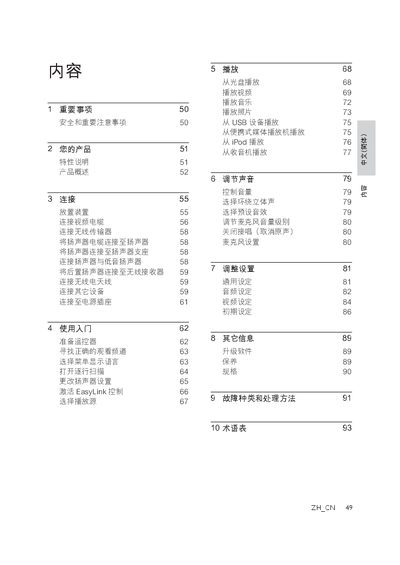
This manual provides safety guidelines, product overview, and step‑by‑step instructions for setting up and using the Philips DVD home theater system. It explains how to place the unit, connect video, audio and wireless components, and register the product online.
Detailed sections cover playback of discs, USB, iPod and radio sources, sound adjustment, system settings, firmware upgrades, maintenance, specifications, and a troubleshooting guide with a glossary of terms. This manual is written in Chinese.
| Maximum video resolution | 1080p |
|---|---|
| Audio channels | 5.1 non‑compressed surround sound |
Use one of the video inputs: HDMI, component, S‑Video or CVBS, connecting the HDMI OUT of the unit to the TV’s HDMI IN for the best picture quality.
EasyLink uses the HDMI CEC protocol to allow the DVD system and compatible HDMI‑CEC devices to be controlled with a single remote.
Yes, insert a USB storage device into the USB port and the system will play MP3, AVI, DIVX and other supported audio files.
Leave at least 5 to 10 cm of space around the device to ensure proper ventilation.