
This document describes the features and characteristics of the Philips 197E3L monitor, including Smartimage Lite, SmartContrast, and Philips SmartControl Lite.
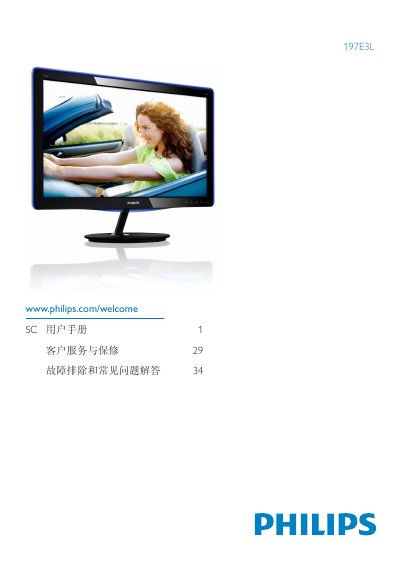
This manual explains how to safely set up and operate the Philips 197E3L flat‑panel monitor. It covers safety measures, proper handling, installation of the base arm, and connection to a PC or Mac. Detailed instructions for using the On‑Screen Display (OSD) let users adjust brightness, contrast, color temperature, and select SmartImage Lite modes.
The document also includes technical specifications, power‑management features, environmental disposal guidelines, and a troubleshooting FAQ that addresses image retention, color settings, and plug‑and‑play compatibility. This manual is written in Chinese.
| Native resolution | 1366 × 768 @ 60 Hz |
|---|---|
| Operating temperature | 0 °C – 40 °C (32 °F – 95 °F) |
| Operating humidity | 20 % – 80 % RH |
| Color temperature options | 5500 K, 9300 K |
| Brightness adjustment range | 0 – 100 |
| Contrast adjustment range | 0 – 100 |
| Power input | AC mains |
Yes, you can change the color temperature, sRGB mode, or define custom RGB values via the OSD menu.