
This is a user manual for the fx-100MS and fx-115MS calculators. The manual introduces the calculator's various functions, including basic arithmetic operations, complex number calculations, standard deviation calculations, regression calculations, radix calculations, and equation solutions.
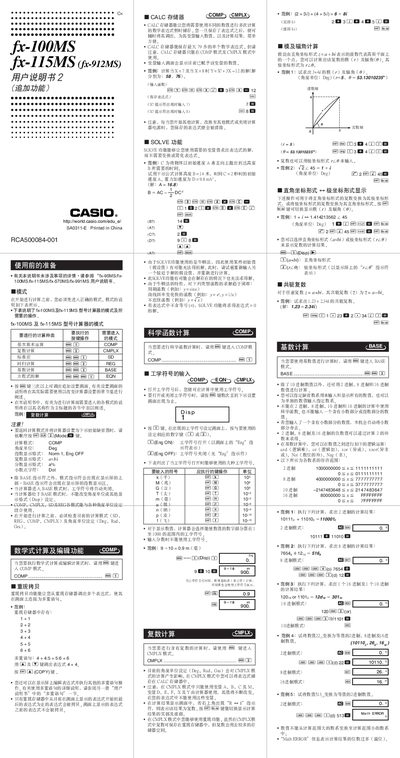
This manual explains how to prepare and operate the Casio fx‑110MS, fx‑115MS and fx‑912MS scientific calculators. It describes each calculation mode (COMP, CMPLX, SD, REG, BASE, etc.), how to switch modes, enable engineering symbols, and use the CALC memory for multi‑step calculations.
The guide also details the dual‑power system of the fx‑115MS, battery replacement procedures for both solar‑assisted and AA‑powered models, and provides the physical specifications such as dimensions, weight and battery life. This manual is written in Chinese.
| Power source (fx-115MS) | Solar cell + G13 (LR44) button cell |
|---|---|
| Power source (fx-100MS) | One AA battery (R6P) |
The fx‑115MS has a dual‑power system: a solar cell and a G13 (LR44) button cell.
Press the [Eng] key repeatedly until the engineering symbol setting screen appears, then select the desired symbol number.