
Panasonic BL-C140 BL-C160 Net Camcorder Installation Guide

This manual explains how to connect the camera to power and the network, and how to install or place the camera during everyday use
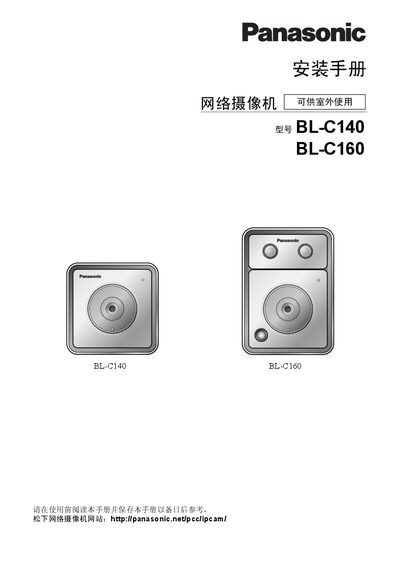

Panasonic BL-C140 BL-C160 Net Camcorder Installation Guide - cover page
Brand
Panasonic
Category
Digital cameras
Document type
Installation Guide
Language
Chinese
Pages
32
File format
PDF
File size
1.3 MB
Published
13 March, 2012
Updated
30 September, 2023
MD5 checksum
90FA13215C82F739E422DEB3756590E1

About this manual

This guide provides step‑by‑step instructions for installing Panasonic BL‑C140 and BL‑C160 net camcorders. It explains safety precautions, mounting positions, cable connections and how to configure built‑in sensors.

The document also lists all supplied accessories, shows example installations, and includes a brief troubleshooting section covering indicator lights and factory reset procedures. This manual is written in Chinese.

What's inside

  • Safety Information
  • Installation Overview
  • Mounting Position
  • Cable Connections
  • Accessories List
  • LED Brightness Adjustment
  • Human Sensor Settings
  • Installation Examples
  • Troubleshooting

Frequently asked questions

Which camcorder models are covered by this installation guide?

The guide covers the Panasonic BL‑C140 and BL‑C160 models, including the A, CE and E variants.

How can I reset the camcorder to factory defaults?

Press the FACTORY DEFAULT RESET button as described in the troubleshooting section.

Download PDF (1.3 MB)

More Panasonic Manuals


View all Panasonic manuals →