
This document is a user guide for the Canon DZ-3600U Digital Document Camera. It describes the features and functions of the product, such as high-resolution capabilities and multiple applications.
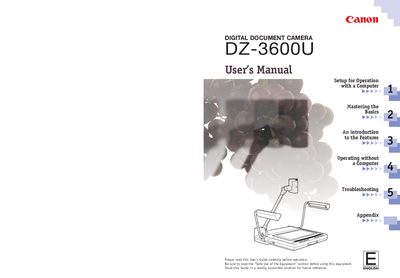
This manual introduces the Canon DZ-3600U Digital Document Camera, describing its high‑resolution VAROS optical system, 12‑power zoom lens, and USB connectivity. It explains how the camera can be used for presentations, scanning, and videoconferencing, and details remote‑control and video‑out capabilities.
Safety guidelines cover electrical shock prevention, proper grounding, handling of accessories, and environmental restrictions. The guide also includes troubleshooting tips, a quick reference pamphlet, and an appendix with unpacking instructions and a parts list.
| Optical System | Variable Refraction Optical System (VAROS) |
|---|---|
| Zoom Lens | 12 power zoom lens |
| Connection Interface | USB (universal serial bus) cable |
| Video Output | Video out ports |
| Power Plug | Three‑pronged grounding plug |
A USB (universal serial bus) cable is used to connect the camera to a computer.
Yes, it can be used as a conventional visualizer with video‑out ports when not connected to a computer.
Do not expose the equipment to rain or moisture, as it can cause electric shock.