
This manual introduces a standalone product, including the description of the control panel, paper handling, copying and scanning functions, printing photos from memory cards, setting modes, troubleshooting, etc. The manual provides important safety instructions and detailed operation steps for each function.
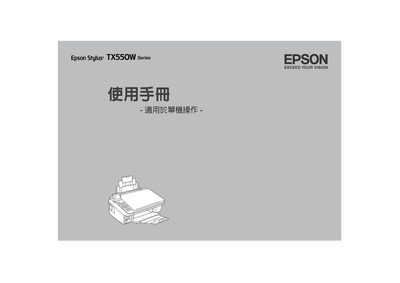
This manual begins with important safety instructions and guidelines for handling the Epson TX550W printer, including warnings about electrical hazards, ink cartridge handling, and proper ventilation. It also describes the control panel layout, button functions, and how to navigate between printing, scanning, photo, and memory card modes.
The guide covers basic operations such as loading paper, selecting print quality, using PictBridge, and performing scans. Power specifications, emergency procedures, and legal notices are provided at the end of the document. This manual is written in Japanese.
| Rated Voltage | 100-120V |
|---|---|
| Rated Frequency | 50/60 Hz |
| Rated Current | 0.6 A |
| Power Consumption (Normal) | ≈ 16 W |
| Power Consumption (Energy‑saving mode) | ≈ 3.5 W |
| Power Consumption (Standby) | ≈ 0.2 W |
| Print Method | Micro‑piezo technology |
The printer is rated for 100‑120 V AC.
Press the Stop / Clear Settings button to stop printing or copying.
Select the Scan button on the control panel to enter Scan mode.
Unplug the printer’s power cord and contact Epson service support.