
This document provides important safety operation instructions for a product, including control panel functions, indicator lights, paper handling, copying, printing from memory cards, ink cartridge replacement, maintenance, and troubleshooting. The document is applicable to a specific brand and model of product.
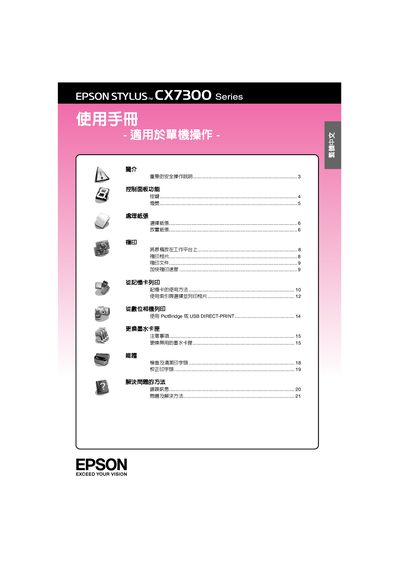
This manual covers all aspects of using the Epson CX7300 Series printer, including safety precautions, control‑panel functions, indicator lights, paper loading, copying, memory‑card printing, ink‑cartridge replacement, and detailed maintenance procedures such as printhead cleaning and calibration. It also includes a comprehensive troubleshooting section with error‑light explanations and solutions.
Additional information such as technical specifications, recommended paper types, and contact details for Epson support are provided at the end of the document, helping users keep the printer operating reliably. This manual is written in Chinese.
| Print method | Micro‑piezo inkjet technology |
|---|---|
| Rated voltage | 110 ~ 120 ±10% |
| Rated frequency | 50 ~ 60 Hz |
| Power consumption (copying) | 12 W |
| Rated input current | 0.6 A |
Follow the steps in the “更換墨水卡匣” section, which includes removing the old cartridge, handling the new one carefully, and securing it firmly before closing the cartridge cover.
Select draft quality and hold the Stop key while pressing the Start key to enable faster copying, as described in the “加快複印速度” instructions.