
Liquid crystal color TV user manual, including installation, connection, operation and other content
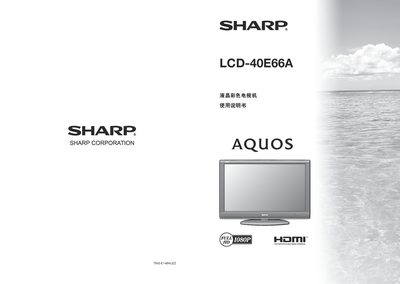
This manual begins with safety precautions and important warnings to ensure safe use of the Sharp LCD-40E66A television. It covers handling, cleaning, installation of the base and wall‑mount, and details the included accessories such as the remote control and power cable.
Subsequent sections describe how to operate the TV, including power on/off, remote control functions, menu navigation, channel setup, picture and audio adjustments, and connecting external devices like HDMI sources, computers, and audio equipment. The appendix contains troubleshooting tips and a full specification table. This manual is written in Chinese.
| Screen size (diagonal) | 40 inches (102 cm) |
|---|---|
| Brightness | ≥350 cd/m² |
| Contrast ratio | ≥150:1 |
| Resolution | 1920 × 1080 |
| Power consumption (operating) | 193 W |
| Standby power consumption | 0.8 W |
| Weight (without base) | ≈15 kg |
Use a Sharp‑approved wall‑mount bracket, follow the bracket’s instructions, and have a qualified service person perform the installation.
Enter the password reset sequence described on page 27, then set a new four‑digit password as instructed.
The TV provides multiple HDMI inputs that support resolutions up to 1080p at 50 Hz or 60 Hz.