
The document provides information about the MCD288 DVD Micro Theatre 2, including a list of supported languages.
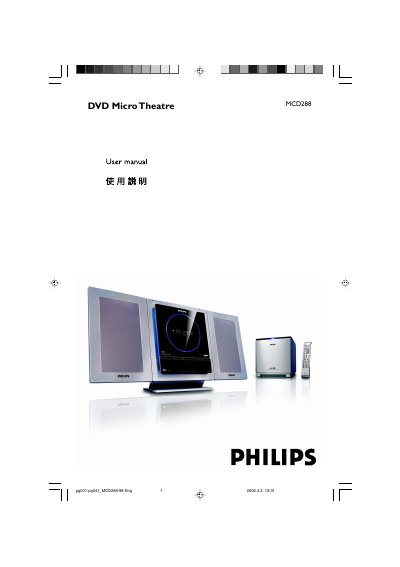
The Philips MCD288DVD Micro Theatre is a compact DVD player with 2.1‑channel digital amplification, Dolby Digital decoding and support for a wide range of disc formats. It offers features such as age‑control, progressive‑scan video output and USB playback.
This user manual covers safety warnings, installation steps, connection of speakers, FM antenna and TV, operation of the remote control, menu navigation, video and audio settings, technical specifications, and a detailed troubleshooting guide. This manual is written in Chinese.
| Input voltage | 220‑240 V (selectable to 110‑127 V) |
|---|---|
| Audio decoding | Built‑in Dolby Digital decoder with DSC and loudness control |
Locate the voltage selector switch on the bottom of the unit; it is preset to 220‑240 V. Switch it to 110‑127 V if your local supply is lower.
In the system menu select the age‑control option and choose the desired rating level to restrict playback of higher‑rated DVDs.