
This document introduces the user manual of the cassette player, including the functions of play, pause, stop, repeat, etc.
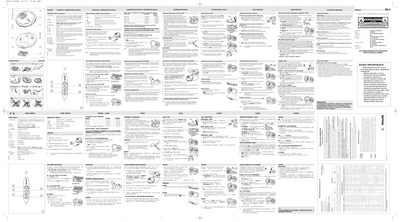
This manual provides troubleshooting tips for sound issues, connection problems, and car usage. It explains features like RESUME and HOLD for pausing and resuming playback. It also covers playback modes, volume adjustment, bass enhancement, and CD program setup. Safety and usage guidelines for car installation and battery operation are included. This manual is written in Spanish.
| Battery Life (AA, ESP Active) | 10 hours |
|---|
Place the slide switch in the RESUME position during playback to activate RESUME. Press STOP to pause, then press 2; to resume playback from where it was paused.
Slide the OFF-RESUME-HOLD switch to HOLD to activate the button lock. All buttons will be blocked, and HOLd will appear on screen when any button is pressed.
ESP (Electronic Skip Protection) prevents audio interruption from vibrations or bumps, but does not protect against damage from drops. It also helps extend battery life.