
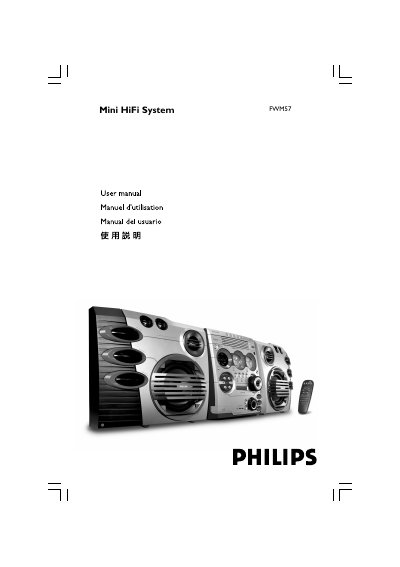
This manual explains safety precautions, power requirements, and the accessories included with the Philips FWM57 Mini HiFi System. It details how to connect the FM/MW antenna, speakers, game console, and power cord, and describes the remote‑control layout and functions.
The guide covers everyday use such as selecting sources (CD, radio, AUX, Game), adjusting volume and sound effects, setting the clock and timer, using Eco Power standby mode, and troubleshooting common problems like weak reception, no sound, or remote‑control issues. This manual is written in Spanish.
| Power Output (PMPO) | 6500 W |
|---|---|
| RMS Power | 2 x 200 W |
| Signal‑to‑Noise Ratio | ≥ 62 dBA (IEC) |
| Frequency Response | 63 – 16000 Hz, ≤ –3 dB |
| AUX Input Sensitivity | 1100 mV |
| Speaker Impedance | ≥ 8 Ω |
| Weight | 4.35 kg |
| Dimensions (W×H×D) | 348 x 322 x 245 mm |
| Power Consumption (working) | 90 W |
| Standby Power | < 25 W |
| Eco Power Standby | < 1 W |
Press and hold the CLK/TIMER key until “SELECT CLOCK OR TIMER” appears, then choose TIMER, set the hour and minute with the á/í keys, select the source (CD or TUNER), and press CLK/TIMER again to save the setting.
Replace the batteries, make sure the remote is within range, and aim it at the IR receiver on the front of the unit.
Use a red/white audio cable to connect the external device’s audio output to the unit’s AUX IN (R/L) terminals, then press the AUX key until “AUX” appears on the display.