
This is a user manual for Canon CanoScan 8800F scanner, which includes installation, usage, maintenance and other aspects.
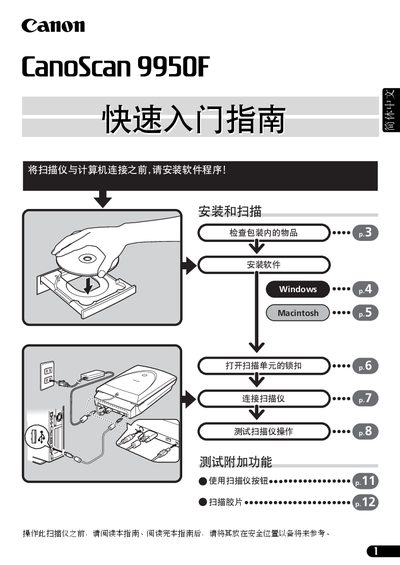
This guide walks you through unpacking the CanoScan 9950F, installing the supplied software on Windows or Macintosh, unlocking the scanner, and connecting it via the provided USB or IEEE‑1394 cable. It also covers basic scanning procedures, legal notices, and safety information.
The manual includes a system‑information sheet for recording purchase details, scanner serial number, computer specifications, and operating system, which is required for warranty service and technical support. Contact information for Canon China support is provided at the end. This manual is written in Chinese.
| Supported film formats | 35 mm slides, 120, 4×5 inches |
|---|---|
| Power connection | AC adapter supplied |