
This document is a quick start guide for Canon scanners, providing instructions on the unpacking and usage of the scanner.
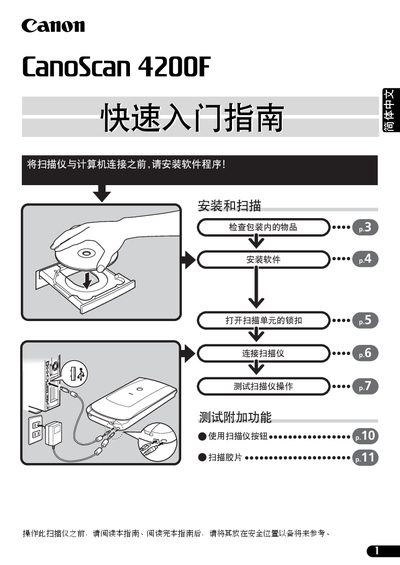
The guide walks you through unpacking the scanner, installing the bundled software (ScanGear CS, CanoScan Toolbox, ArcSoft PhotoStudio, Rosetta Stone, Adobe Acrobat Reader), and connecting the unit with the supplied USB cable and AC adapter. It also explains how to unlock the scanner, use the four front‑panel buttons, and perform basic scanning tasks such as copying, scanning to PDF, and emailing images.
Additional sections cover detailed scanning settings, film scanning procedures, technical specifications, and system information for warranty support. The document includes safety warnings, legal notices about scanning copyrighted material, and recommended operating environment conditions. This manual is written in Chinese.
| Scan element | CCD 6‑line color |
|---|---|
| Light source | Cold cathode fluorescent lamp |
| Optical resolution | 3200 × 6400 dpi |
| Maximum color resolution | 25 – 19200 dpi |
| Color bit depth | 16‑bit per RGB channel |
| Grayscale bit depth | 16‑bit |
| Interface | USB 2.0 High‑Speed |
| Maximum document size | A4/Letter (216 × 297 mm) |
| Power consumption (running) | 17.8 W |
| Dimensions | 259 × 473 × 81 mm |
| Weight | ≈ 2.8 kg |
| Operating temperature | 10 °C – 35 °C (50 °F – 95 °F) |
| Operating humidity | 10 % – 90 % RH |
Use only the supplied USB interface cable and AC adapter; other cables or adapters may cause faults.