
This is a PDF document about Philips Webcam VGA CMOS SPC525NC. The product features high-resolution natural image capture, a 1.3-megapixel sensor, 30 fps image rate, automatic face tracking, 3x digital zoom, and a 360° rotating lens. It also comes with a built-in digital microphone and multimedia headphones for excellent sound quality. It is easy to install and use, and compatible with all instant messaging services.
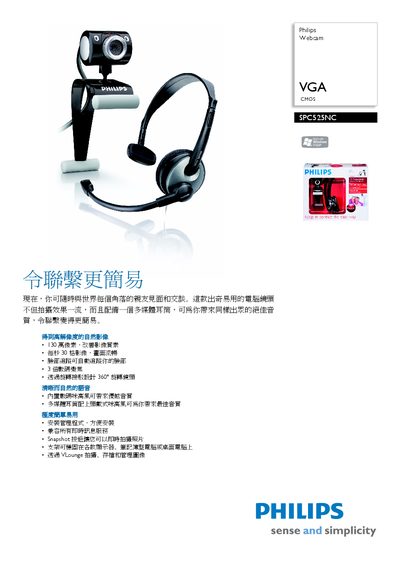
This manual explains how to install and use the Philips SPC525NC webcam. It covers mounting options, USB connection, and the included VLounge software for video capture and instant snapshot.
The document also lists the technical specifications, system requirements, and accessories supplied with the webcam, such as the built‑in microphone and headset. This manual is written in Chinese.
| Sensor | CMOS |
|---|---|
| Image resolution | VGA |
| Video resolution | 130 万像素 |
| Maximum frame rate | 30 fps |
| Lens | F2.6, D50? |
| White balance range | 2600‑7600 K |
| Color depth | 24 bit |
| USB interface | USB 2.0 |
| RAM | 128 MB |
| On‑board storage | 200 MB |
| Weight | 79 g |
| Cable length | 1.5 m |
The webcam records video at up to 30 frames per second.
It works with Microsoft Windows XP, Windows Vista Home, and Windows Vista.
The webcam connects via a USB 2.0 interface.