
This document is a user guide for the Sony Ericsson W300c mobile phone, providing information on various features and usage of the phone.
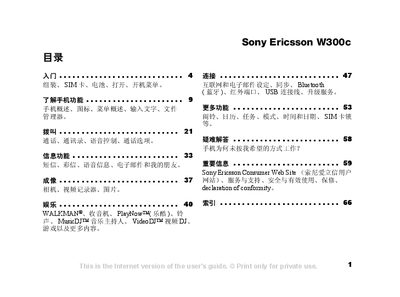
This manual guides you through the basic setup of the Sony Ericsson W300c, including inserting the SIM card, installing the battery, and charging the device. It also explains how to navigate the menu system, use the phone’s features such as calls, messaging, camera, and Walkman functions.
Further sections cover connectivity options like Bluetooth, infrared, and USB, as well as additional utilities such as the calendar, alarm, and file manager. The troubleshooting chapter helps resolve common issues, and the important information section includes safety, warranty, and regulatory details. This manual is written in Chinese.
| Network bands | GSM 850/900/1800/1900 |
|---|
Open the back cover, place the SIM card in the silver slot with the contacts facing down, and then close the cover.
Use the menu to navigate to the Bluetooth settings and turn the feature on; the phone will then be able to pair with other Bluetooth devices.