
This document is the user manual of MOBE-400/401/500 ETC on-board units, which introduces the functions, features, usage methods and installation methods of this product.
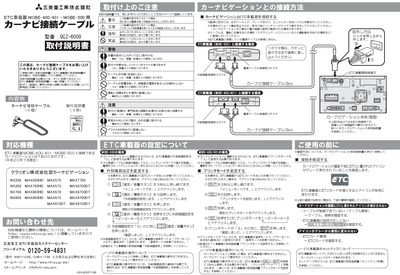
This guide provides step‑by‑step instructions for installing the QCZ‑6009 car‑navigation connection cable. It emphasizes safety precautions such as setting the parking brake, removing the ignition key, and disconnecting the battery’s negative terminal before any wiring work.
The document lists compatible ETC units (MOBE‑400/401 and MOBE‑500) and details the required connector types, cable length, and external‑device settings needed for proper operation with various car‑navigation models. This manual is written in Japanese.
| Compatible ETC models | MOBE‑400/401, MOBE‑500 |
|---|
Set the parking brake, remove the ignition key, and disconnect the battery’s negative terminal before starting any wiring work.
The cable can be connected to ETC units model MOBE‑400, MOBE‑401, and MOBE‑500.
Set the external‑device setting to "3" on the navigation system before connecting the cable.