
This document provides safety precautions and operating instructions for installing and using a television. It covers the steps for installing the TV, connecting antennas and set-top boxes, connecting external devices, operating the TV using the main body and remote control, program searching, menu settings, streaming functions, connecting to a computer, adjusting the picture, and warranty information.
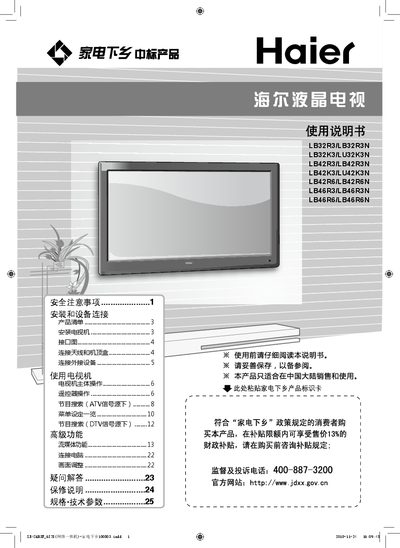
This manual provides safety precautions, installation and device‑connection instructions, and operating guidance for Haier LCD televisions. It includes detailed diagrams for antenna, set‑top box, and external device connections, as well as remote‑control usage.
Technical specifications such as power consumption, dimensions, weight, supported video/audio formats, and environmental limits are listed in the final section, along with certification information. This manual is written in Chinese.
| Power consumption (typical) | 100 W |
|---|---|
| Supported video input formats | AV (CVBS), Component, S‑Video, HDMI, DVI, PC, USB, LAN |
| Input voltage | 220 V 50 Hz |
| Color system | PAL, NTSC |
| Audio format | Dolby, L.B/G, M |