
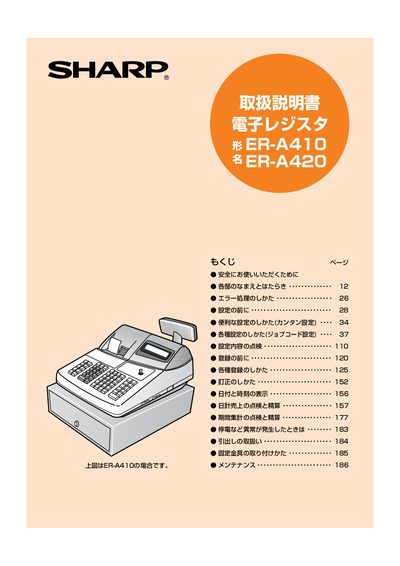
Sharp ER-A410 / ER-A420 Electronic Cash Register User Manual


Sharp ER-A410 / ER-A420 Electronic Cash Register User Manual - cover page
Brand
Sharp
Category
Other device
Document type
User Manual
Language
Japanese
Pages
238
File format
PDF
File size
7.9 MB
Updated
29 September, 2023
MD5 checksum
9FE17604120ACD313CD1E0E455D1164D

About this manual

This manual is for the Sharp ER-A410 and ER-A420 electronic cash registers. It covers safety precautions, part names and functions, error handling, settings, registration, correction, sales totals, and maintenance.

Before use, connect the power plug to an AC100V outlet for at least 24 hours if it has been unplugged for a long time, because the internal memory-backup battery charge may be low. Always set roll paper before use; keep the printer head-up lever on the printing side during use, and pull it forward and remove the roll paper during long-term storage. This manual is written in Japanese.

What's inside

  • Safety precautions
  • Names and functions of parts
  • Error handling
  • Before settings
  • Easy settings (Kantan settings)
  • Job code settings
  • Checking settings
  • Various registration methods
  • Correction methods
  • Maintenance

Specifications

Power supplyAC100V

Frequently asked questions

What should I do before using the register if the power plug has been disconnected for a long time?

Connect the power plug to an AC100V outlet for at least 24 hours to recharge the internal memory-backup battery before use.

What voltage must be used with this cash register?

It must be used with 100 V; do not use other voltages.

What must be done before using the register after the power plug has been unplugged for a long time?

Connect the power plug to an AC100V outlet and charge for at least 24 hours.

Download PDF (7.9 MB)

More Sharp Manuals


View all Sharp manuals →