
This document is a scanned copy of the Verizon Wireless's Treo 600 Quick Start Guide, which mainly introduces how to set up Treo 600, including preparing PC, creating Wireless Sync account, identifying email source, selecting device, installing software and syncing device.
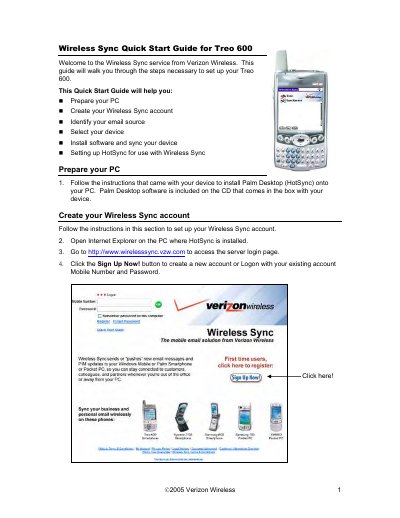
This Quick Start Guide walks you through preparing your PC, creating a Wireless Sync account, selecting your email source, and installing the necessary software for the Treo 600. It includes detailed instructions for both corporate and Internet email configurations and shows how to sync your device using HotSync.
After installation, the guide explains how to set HotSync conduit settings for different email sources, ensuring proper synchronization of calendar, contacts, tasks, inbox, and notes between the Treo 600 and the Wireless Sync service.
Set the Date Book, Address Book, To Do List, and Memo Pad conduits to "Synchronize the files" in the HotSync configuration.