
This document is a quick install guide for the DAP-1360 Wireless N Range Extender. It introduces the features and characteristics of the device and provides instructions on how to install and use it.
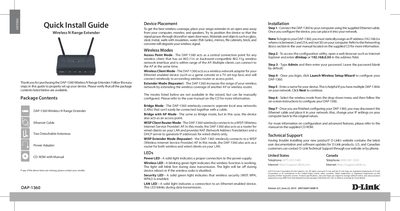
This Quick Install Guide walks you through the initial setup of the DAP-1360 Wireless N Range Extender. It lists the package contents, recommends optimal placement, explains the three primary wireless modes (Access Point, Client, Extender) and additional manual modes, and describes the meaning of each LED indicator.
The guide provides step‑by‑step installation instructions, including connecting via Ethernet, assigning a static IP, accessing the web‑based configuration utility, and completing the setup wizard. Technical support information and warranty notices are also included.
| Wireless Standards | 802.11n, 802.11g |
|---|
The package contains the DAP-1360 extender, an Ethernet cable, two detachable antennas, a power adapter, and a CD‑ROM with the manual.
Open a web browser and enter "dlinkap" or "192.168.0.50" in the address field to reach the setup page.