
This document is the user manual for the NETGEAR Wireless Cable Gateway CG3000D-1CXNAS. It provides detailed information about the features and characteristics of the product.
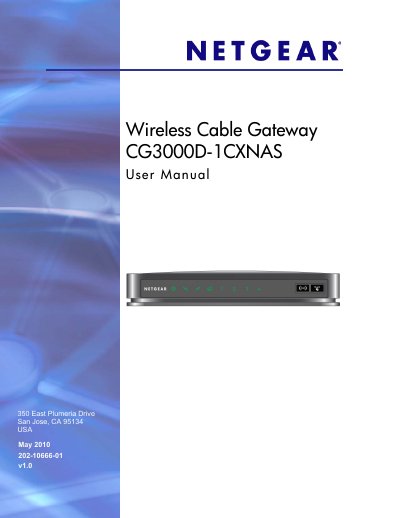
This manual explains how to install and configure the Netgear CG3000D-1CXNAS Wireless Cable Gateway. It covers connecting the device to the Internet, accessing the web‑based management interface, and adjusting basic settings such as IP configuration and DHCP.
The guide also details wireless setup, security options (WPA/WPA2, WPS), advanced features like MAC filtering and port forwarding, and includes a full list of default settings and technical specifications for the gateway.
| Network protocols | TCP/IP, DHCP server and client, DNS relay, NAT, TFTP client, VPN pass‑through (IPSec, PPTP) |
|---|---|
| Power input | 120 V, 60 Hz (North America) |
| Power output | 12 V DC @ 1.5 A, 15 W max |
| Dimensions | 8.5 × 5.75 × 1.3 in (216 × 146 × 33 mm) |
| Weight | 0.95 lb (0.42 kg) |
| Operating humidity | Up to 90 % non‑condensing |
| Local interfaces | 10BASE‑T, 100/1000BASE‑Tx, RJ‑45, USB 2.0/1.1 |
| Internet interface | DOCSIS 3.0 (compatible with DOCSIS 2.0, 1.1, 1.0) |
| Wireless standards | 802.11n/g/b |
| Default SSID | Wireless |
| Default wireless security | WPA/WPA2 |
Press and hold the Restore Factory Settings button on the bottom of the unit for more than 7 seconds.
The default SSID is "Wireless"; you can change it in the wireless configuration section of the web interface.