
This is a quick start guide that introduces how to install the WLI2-CB-G300N wireless cardbus adapter.
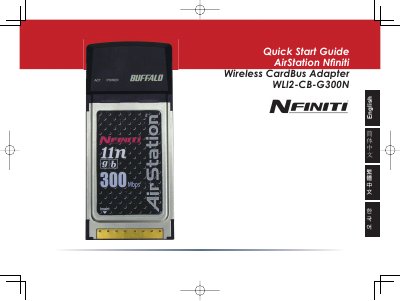
This Quick Start Guide walks you through the initial setup of the Philips WLI2-CB-G300N CardBus wireless adapter. It shows how to insert the AirNavigator CD, run the setup wizard, install the drivers, and install the Buffalo Wireless Client Manager.
The guide also explains how to connect to a wireless network using the AOSS (AirStation One-Touch Secure System) feature or by manually scanning for networks, selecting encryption methods, and completing the connection.
Insert the AirNavigator CD, launch the setup wizard, and click "Begin Installation" to start the driver installation.