
This document is a user manual for using the plasma display, providing information on safety precautions, installation, basic operations, etc.
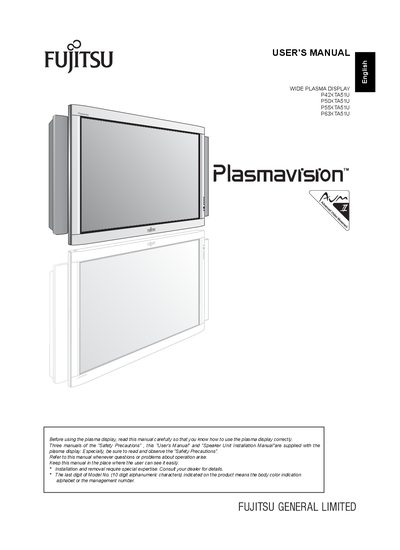
This manual explains how to install, connect, and operate the Fujitsu P42XTAS1U plasma display. It includes safety precautions, required accessories, mounting instructions, remote‑control functions, and basic operation steps such as power on/off, channel selection, and picture adjustments. Detailed wiring diagrams cover video, audio, HDMI, RS‑232C, and speaker connections, and the manual describes the use of ferrite cores and optional mounting hardware.
The specifications section lists the screen dimensions, aspect ratio, pixel resolution, weight, power requirements, operating temperature range, and available input terminals. It also provides information on audio output power, on‑screen display languages, and regulatory compliance. The manual ends with maintenance tips, cleaning instructions, and a troubleshooting guide for indicator‑lamp warnings.