
Provides user guide for Fujitsu Microelectronics Europe MB91360 SERIES STARTERKIT ADAPTER STARTERKITMB91360-ADA160
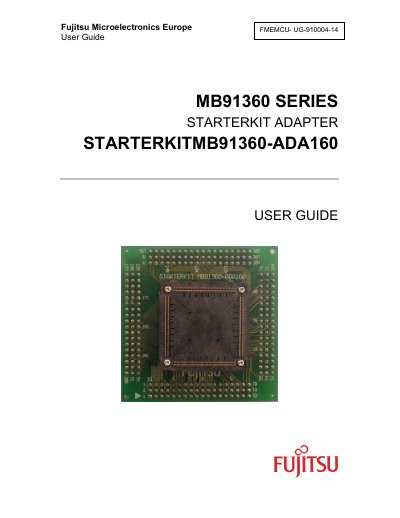
The STARTERKITMB91360-ADA160 is an adapter board for the Fujitsu MB91360 series evaluation kit. It converts the MB91F362G pin‑out to the 160‑pin MB91F369G pin‑out, allowing developers to use the larger processor variant. The board fits onto the starter kit with pin headers and includes an NQPACK160SD connector for a probe cable that links the emulator to the kit.
The guide also details warranty terms (90‑day performance warranty, 1‑year hardware warranty), China‑RoHS compliance, and recycling procedures in accordance with EU WEEE directives. Users are instructed to remove the original MCU and socket cap before installing the adapter and to follow the periodic maintenance schedule to maintain the declared environmental‑use period.
| Adapter function | Converts MB91F362G pinout to MB91F369G pinout |
|---|---|
| Supported processor derivative | 160‑pin MB91F369G |
| Probe cable interface | Interfaces between Emulator MB2 197‑01 and NQPACK160SD |
It converts the MB91F362G pin‑out to the MB91F369G pin‑out so the MB91360 starter kit can be used with the 160‑pin processor variant.
Remove the MB91F362G MCU and socket cap from the starter kit, then fit the adapter board using pin headers.